Passkeys provide stronger protection against credential phishing than authenticator app codes because they are tied to the genuine service. For business logins, use passkeys where supported and password-based multi-factor authentication where they are not. Choosing between passkeys and authenticator apps also depends on device ownership, recovery arrangements and administrative control.
Phishing resistance is the main distinction, but neither method protects every route into an account. Start by separating how each works from what its product label suggests.
What passkeys and authenticator apps actually do
Passkeys replace the password with cryptographic proof
A passkey uses public-key cryptography through WebAuthn. Registration creates a private key and a public key, which together form a pair of cryptographic keys. The private key stays on a device or with a supported provider; the service registers the public key.
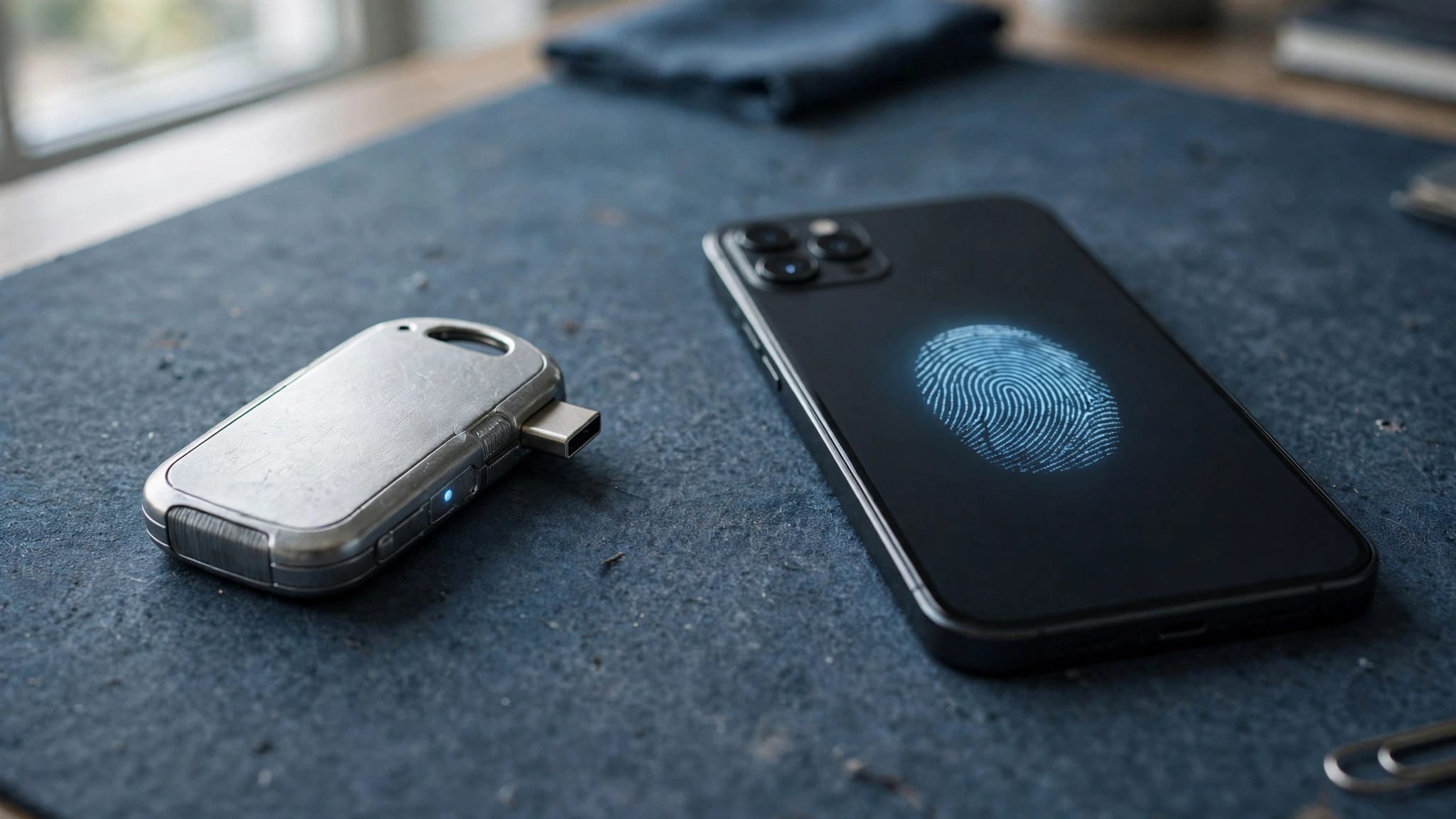
During sign-in, the device signs a challenge. The service verifies the signature using the public key, and the private key is never transmitted. A fingerprint, facial recognition or device PIN normally authorises its use. Biometrics stay on the device.
The FIDO Alliance’s passkey guidance explains this passwordless model. Synced credentials can be available across approved devices, whilst device-bound credentials stay on a particular device or hardware key.
Authenticator codes add another factor to a password
Google Authenticator, Microsoft Authenticator and Authy generate a time-based one-time password (TOTP), usually a 6-digit code. The app and service share a secret established during enrolment. Codes normally work without a mobile signal, and they supplement account passwords rather than replace them.
Multi-factor authentication (MFA) combines at least 2 factor types: something you know, something you have and something you are, such as a fingerprint. Two-factor authentication (2FA) uses exactly 2; MFA covers 2 or more.
A locally verified credential can combine possession with biometrics or a PIN in 1 sign-in step. This supports passwordless authentication, replacing a password followed by a separate code. Our guide to business passkeys and FIDO2 covers wider deployment considerations.
Passkeys vs authenticator apps at a glance
The comparison below concerns rotating authenticator codes, rather than every feature available within an authenticator app.
| Consideration | Passkeys | Password plus authenticator code |
|---|---|---|
| Password required | Normally no | Yes |
| Fake-site credential capture | Domain-bound and phishing-resistant | Codes can be captured and relayed |
| Routine sign-in | Local biometric or PIN approval | Password, then code |
| Compatibility | Growing, but incomplete | Widely supported |
| Device loss | Recovery depends on storage and backup arrangements | Recovery depends on app backup or another registered method |
| Business control | Depends on provider and identity policy | Depends on service and app configuration |
Passkeys remove the reusable password from that sign-in path. Authenticator codes substantially improve password-only security, but they remain transferable information that someone can enter into the wrong page.
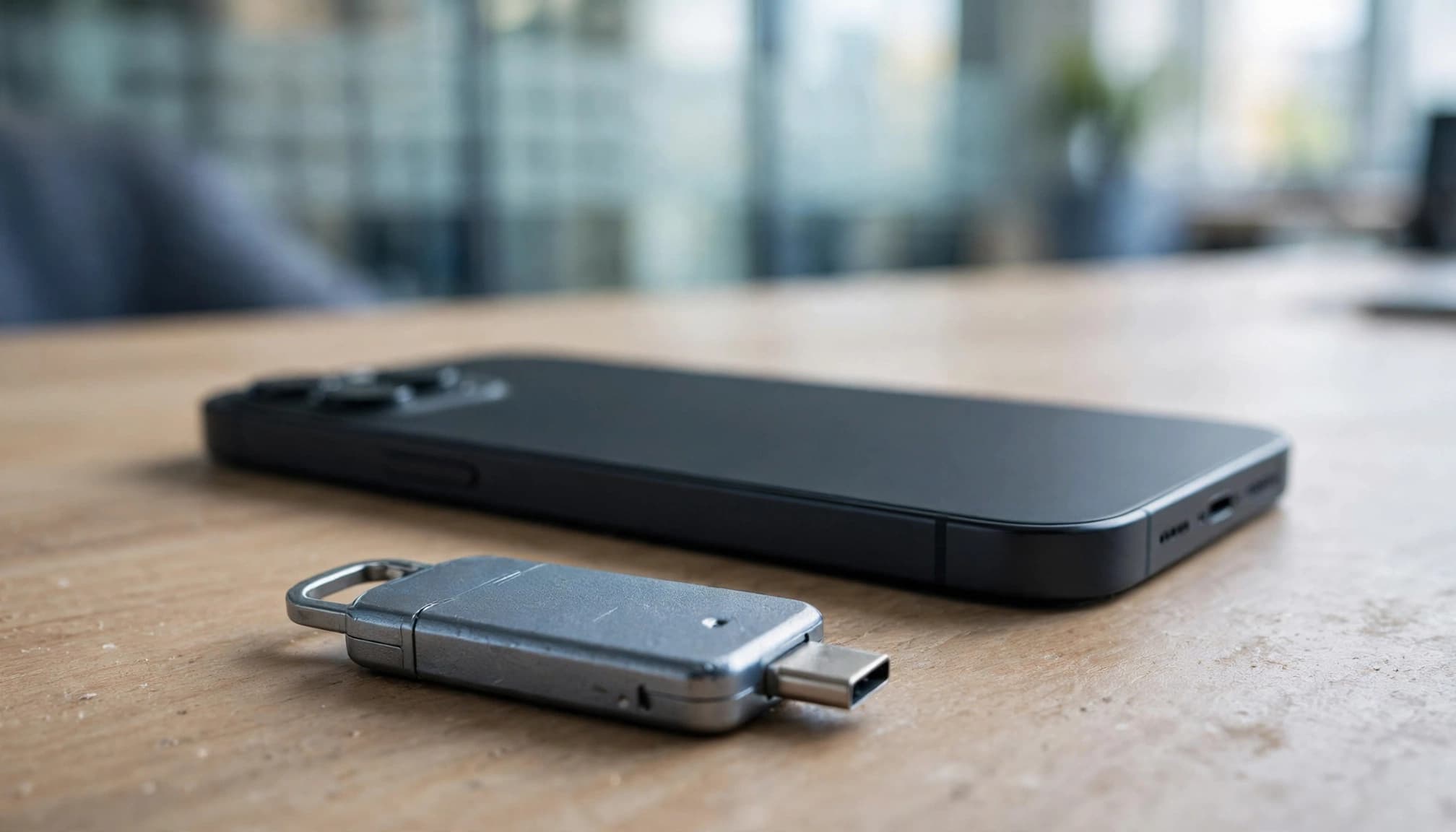
A hardware security key such as a YubiKey can hold a device-bound credential or act as an additional authentication factor. Its role depends on the service and registration method.
Where phishing protection stops
Fake login pages can relay authenticator codes
An attacker can place a real-time proxy between an employee and a genuine service. The employee enters a password and current authenticator code into the imitation page, and the attacker forwards both before the code expires.
Passkeys are bound to the registered service’s domain. A lookalike website cannot request the genuine site’s passkey just because its branding looks convincing. The NCSC’s credential security comparison explains the underlying distinction.
Text message codes and email codes are weaker fallback options because messages or receiving accounts can be intercepted or compromised. SMS also carries SIM-swapping risk, where an attacker takes control of the phone number.
Secure authentication does not protect every session
Passkeys do not remove malware, correct excessive permissions or prevent an employee approving a fraudulent payment. An attacker who steals an existing browser session may avoid the normal sign-in process altogether.
Registering this credential does not remove an account’s weaker fallback methods. Recovery and alternative sign-in paths need their own controls.
Maintain endpoint protection, access reviews and session monitoring alongside stronger authentication. Our explanation of the ClickFix browser session threat covers attacks that target access already established in the browser.
Which business systems can use passkeys?
Microsoft environments need administrator configuration
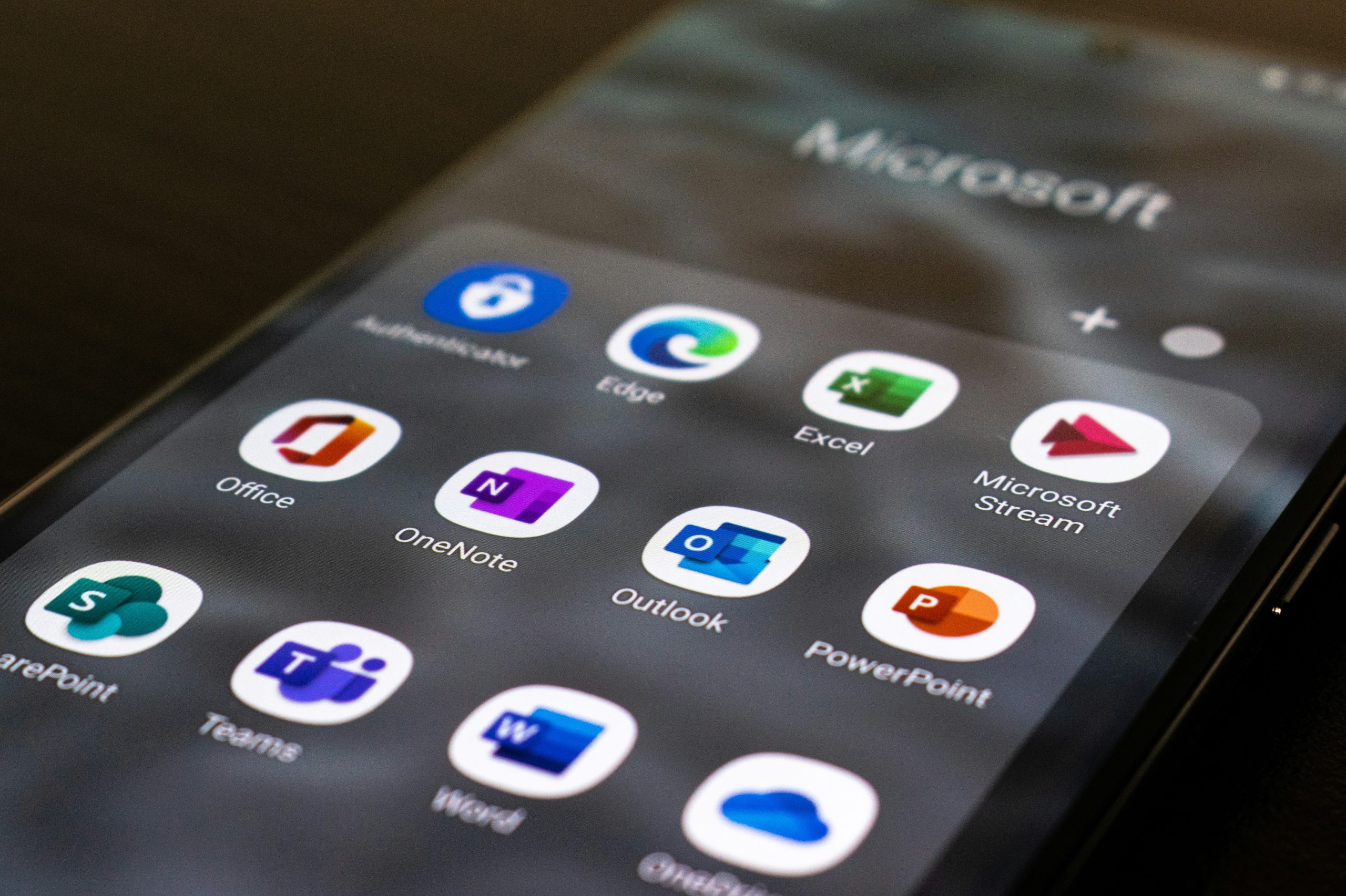
Microsoft Entra ID supports FIDO2 passkeys, including supported credentials in Microsoft Authenticator and hardware security keys. Microsoft 365 accounts authenticated through Entra can use these methods where policies and the sign-in environment support them.
Microsoft Authenticator needs careful terminology: a passkey stored in the app differs from its rotating codes or push approvals.
Microsoft’s Entra passkey documentation describes the authentication method. Our guidance on Microsoft Entra passkeys covers the related business planning.
Other services still require a mixed approach
Google Accounts and GitHub support passkeys, but support remains incomplete across business applications. A payroll portal, specialist database or older remote-access system may still require a password and authenticator code.
Use the strongest method available for each service. Where supported, centrally managed single sign-on can reduce separate credentials and apply consistent access policies. It doesn’t make every connected application phishing-resistant automatically.
Flag systems that can’t support modern authentication for replacement, isolation or migration. Shared devices, browser versions and personal-phone restrictions also affect which credential options are practical.
Set up each method without weakening recovery
Register passkeys through the genuine service
Open the service directly, sign in and select its option to add a passkey in account security settings. Choose an approved device, hardware key or password manager, then complete local verification.
The service records the public key. If you select a syncing provider, the encrypted credential can become available on other authenticated devices through that provider.
For Microsoft Entra, administrators must enable the relevant authentication methods and policies before users enrol. Test a fresh sign-in and an approved backup route before removing the previous method. Successful registration doesn’t prove recovery works.
Enrol authenticator codes and protect the setup secret
Select authenticator-app verification in the service’s security settings. Scan its enrolment QR code with the approved app, then enter a generated code to complete registration.
Treat the QR code as a secret. Anyone who obtains the underlying enrolment secret may be able to generate matching codes.
Save any recovery codes in an approved location separate from the phone. App backups and transfers differ between products, so establish the business process before replacing or wiping devices.

Plan for lost phones and password-manager failure
Synced credentials reduce loss risk, with conditions
Apple iCloud Keychain and Google Password Manager can sync passkeys through their respective accounts. Losing a phone does not necessarily mean losing the passkeys, provided syncing was enabled and the account can be recovered.
Secure the provider account and its recovery channels. Avoid depending on a personal account that the organisation cannot administer when an employee leaves.
Device-bound hardware keys do not normally sync. Issue a separately registered spare for high-privilege users and document identity checks for recovery. Remove lost credentials once replacement access is established. Synced credentials improve availability, but they do not provide an unconditional recovery guarantee.
A password manager introduces its own dependency
Reusing passwords can mean a data breach at one service exposes the same credentials elsewhere. A business password manager supports unique credentials; some also store passkeys and authenticator codes.
Central storage improves administration and convenience, but concentrates access. Compromise of an unlocked vault can expose several authentication elements together, whilst a provider outage or failed recovery can delay access.
For privileged accounts, an independently held hardware key can provide stronger separation. Establish business-controlled recovery, access logging and offboarding procedures rather than relying on an employee’s personal vault. Where passwords remain, our guidance on responding to exposed company credentials explains why resetting them is only part of the response.
Choose methods by account risk, then pilot
Prioritise administrators, email accounts, finance systems and remote access. These accounts provide access to sensitive information or let users change other security controls. Consider device-bound credentials when the organisation needs tighter control over credential storage.
For everyday staff, approved synced passkeys can reduce sign-in friction without requiring separate hardware. Retain password-plus-authenticator protection where passkeys aren’t available.
Pilot enrolment, cross-device working, device loss, leavers and recovery before expanding. Include staff who use shared computers, personal phones and mixed operating systems, rather than testing only the IT team’s devices.
Record which alternative methods remain enabled and whether policy requires origin-bound sign-in for priority accounts. Block unnecessary legacy authentication paths and monitor exceptions. Our guidance on email security controls covers the complementary measures that authentication changes don’t replace.
Common questions about business passkeys
How do you create a passkey in Google Authenticator?
Create the credential through the website or account’s security settings, then save it with a supported provider such as Google Password Manager. Google Authenticator’s rotating verification codes are a separate authentication method. Scanning a TOTP enrolment QR code to add an account doesn’t create a passkey.
Do passkeys mean staff stay signed in permanently?
No. Cookies, session policies and application settings determine how long a login remains active. They simplify authentication when it’s required, but don’t remember the session themselves. A service may keep a familiar device signed in, but administrators can still require fresh authentication for sensitive actions or changed conditions.
Make stronger sign-in part of managed access
Use passkeys as the preferred option where supported, with authenticator apps covering services that still require passwords. Protection depends on recovery, alternative methods and device security as well as the credential itself.
Start with the accounts that carry the greatest risk. Speak to our team at Northern Star about reviewing Microsoft 365 authentication, planning a staged credential rollout and documenting recovery within your wider IT support and cyber security arrangements.