
Replace business equipment when it can no longer meet security, reliability or workload requirements at an acceptable cost. For laptops, a 3 to 5-year refresh window is a useful planning assumption, but age alone does not justify replacement.
IT asset lifecycle management provides the records needed to make that decision, including support deadlines, repair history, ownership and operating costs. Start by distinguishing an equipment replacement schedule from a process that manages assets throughout their working life.
Key Takeaways
- IT asset lifecycle management tracks equipment from planning and procurement through deployment, operation, maintenance and retirement. Keep ownership, support, cost and custody records with each asset.
- A 3 to 5-year laptop refresh window helps forecast expenditure, but age alone doesn’t justify replacement. Review security support, workload, reliability, repair history and operating costs.
- Compare repair, reassignment and replacement over the same period, including downtime, support time, migration effort and disposal costs.
- Software licences and cloud resources need owners, renewal dates and retirement plans. For physical equipment, record sanitisation evidence and the final disposal destination.
What IT asset lifecycle management covers
IT asset lifecycle management tracks technology from planning through acquisition, deployment, use, maintenance and retirement. It links technical condition to financial records, contractual obligations and the business services each asset supports.
ISO/IEC 19770-1:2017 specifies requirements for an IT asset management system. ITIL 4 describes lifecycle stages through the statuses an asset attains between planning and disposal.
There is no universal number of stages. Splashtop, Tanium and Atlassian use five-stage models, while Virima and ServiceNow use six. Treating procurement or reassignment as a separate stage changes the structure, not the underlying responsibilities.
Tanium also distinguishes financial, useful and economic life. An asset can be fully depreciated yet remain useful. Conversely, equipment with remaining accounting value may already cost too much to operate.
That distinction matters when setting budgets. Accounting treatment should inform a replacement decision without determining whether equipment remains secure or suitable.
The 5 lifecycle stages and their records
A practical asset lifecycle model groups planning and purchasing, then tracks equipment through four further stages. Each stage needs an owner, an approval point and records that remain attached to the asset.
| Stage | Main activities | Records to retain |
|---|---|---|
| Planning and procurement | Define requirements, approve expenditure and select equipment. | Business purpose, specification, supplier, cost, warranty and expected review date. |
| Deployment | Configure, protect, register and assign the asset. | Serial number, asset tag, assigned user, location, encryption and in-service date. |
| Operation | Monitor usage, ownership, performance and support status. | Last-seen date, utilisation, installed software, incidents and ownership changes. |
| Maintenance | Patch, repair, upgrade and review suitability. | Repair costs, downtime, battery condition, firmware and support deadlines. |
| Retirement and disposal | Recover data, remove access, sanitise and select a disposal route. | Approval, custody transfers, sanitisation evidence and final destination. |
Consistent asset management records should follow each asset through handovers, rather than replace earlier entries. Where used, link the asset register to the organisation’s CMDB.
A reassigned laptop still needs its purchase information, previous repairs and sanitisation history.
A missing handover record creates practical problems. IT may order another device because an available laptop cannot be located, or finance may continue paying for equipment already returned to a leasing company.
Build an asset register that survives each handover
Use durable identifiers and record custody
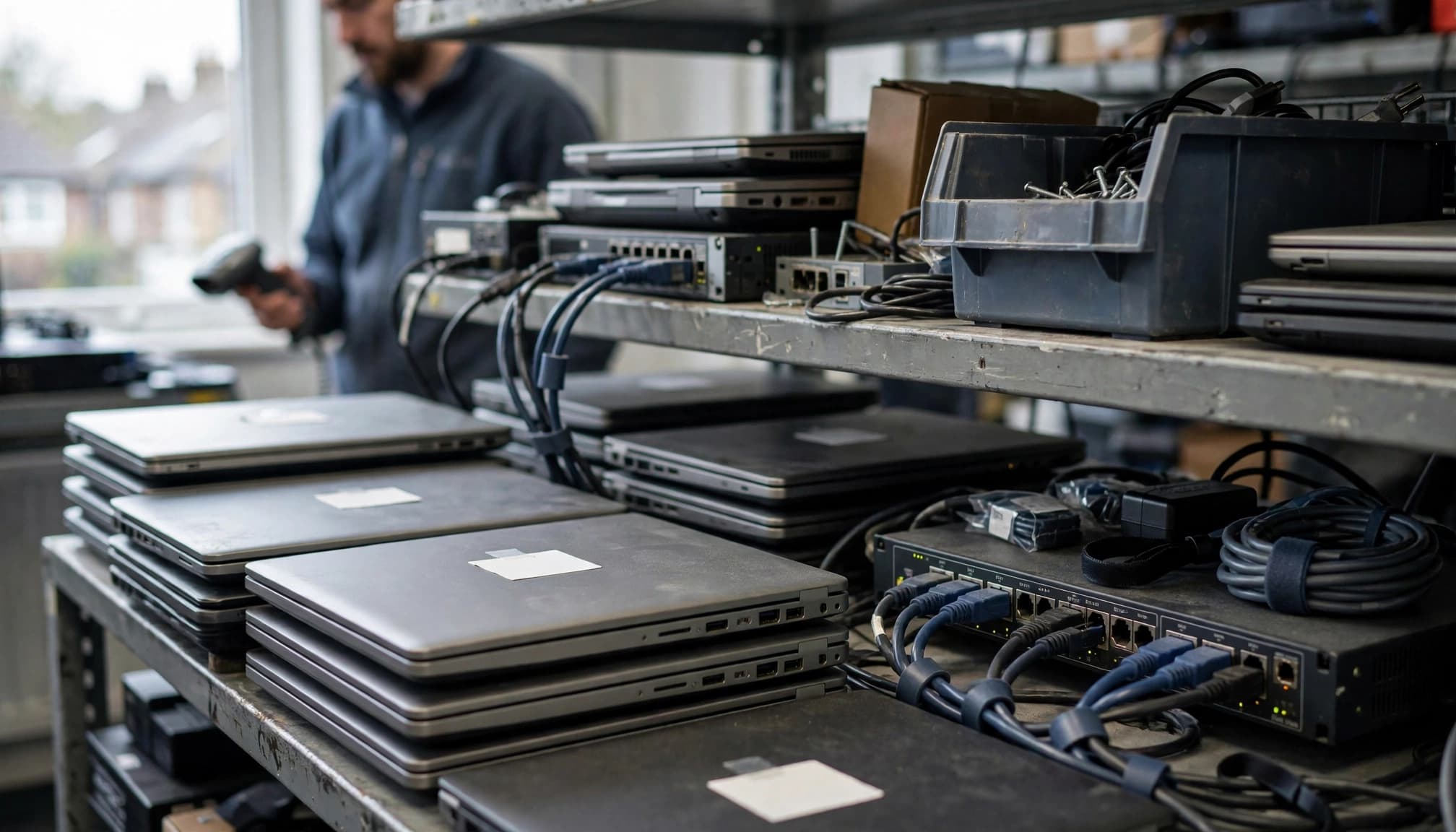
Register equipment before deployment. Device42 recommends barcodes, QR codes or radio-frequency identification (RFID) tags for traceability. Virima recommends serial numbers, BIOS UUIDs or cloud instance IDs instead of hostnames, which can change during re-imaging.
Record the assigned person, responsible department, physical location and lifecycle status. Include spare, leased, remote and offline equipment in the asset inventory. Network discovery alone won’t reliably identify a laptop stored in a cupboard.
For overseas offices, our global IT support can help maintain consistent device deployment and support processes across locations.
Separate ownership records from service relationships
An asset register records ownership, cost, location and status. A configuration management database (CMDB) records configuration items and their relationships, such as which application depends on a particular server.
The systems can share information, but neither label proves the records are complete. Accurate records support IT asset management and lifecycle decisions. Flexera’s 2025 ITAM findings reported complete technology visibility at 43%, down from 47% the previous year.
Tanium distinguishes comprehensive visibility, which covers all assets, from lifecycle visibility, which covers each asset’s stages. Both matter during an IT support provider handover. Linked records in the CMDB can show a device’s warranty, owner and retirement approval, details that discovery alone can’t provide.
When should businesses replace their equipment?
Use age to schedule reviews
Laptops commonly operate efficiently for 3 to 5 years, according to Atlassian. Sage’s 2026 benchmarking report found average laptop refresh cycles shortened from 4.3 to 4.0 years in 2025.
For asset lifecycle planning, use that range to forecast expenditure, then review each device’s condition and workload. Battery deterioration, repair frequency, maintenance history, application requirements and vendor support can justify an earlier or later replacement.
Atlassian contrasts laptop life with electrical switchgear lasting around 15 to 30 years. That comparison is not a recommended lifespan for Ethernet switches. Network equipment needs separate review against firmware support, capacity and recovery requirements.
Treat support and security as decision gates
Equipment should be replaced, upgraded or removed when required operating systems, firmware or security controls are no longer supported. A functioning device can remain unsuitable if it can’t receive necessary security fixes.
IBM’s 2026 breach report puts the global average breach cost at US$4.99 million. That figure isn’t an estimate of the loss caused by an old laptop, but it supports treating data protection as part of lifecycle decisions.
A warranty extension can cover eligible hardware failures. It doesn’t extend operating-system support or make an unsupported application secure.
Review these conditions before approving another year of use.
Repair, reassign or replace: compare the remaining cost
Repair when the underlying platform remains suitable
A battery replacement or supported storage upgrade may extend useful life if the device still meets performance and security requirements. Check the repair cost, expected downtime, warranty and maintenance history before approving the work.
Compare total cost of ownership over the same period. Include repair, downtime, support time, migration effort and disposal costs, rather than comparing an invoice with the purchase price alone.
Our hardware and software support helps businesses select equipment and software around operational requirements, rather than buying the newest specification without a business reason.
Reassign only after reviewing the destination workload
A laptop unsuitable for demanding design software may still suit supported office applications. Before reassignment, remove the data, update the configuration and ownership records, and confirm the receiving role needs that specification.
Don’t reassign equipment with an unresolved fault or security issue. Frequent failures, unsupported components and persistent performance problems are reasons to replace it.
Document the decision and next review date in an IT support and management plan. This gives each asset lifecycle decision an owner instead of relying on individual memory.
Include software licences and cloud resources
Lifecycle records also cover subscriptions, software entitlements and cloud resources. These assets may have no physical wear, but they still need owners, renewal dates, support deadlines and retirement requirements.
Atlassian gives an example where 30% of purchased software licences were unused, but treat this as an illustration rather than a universal waste rate. Before renewal, compare supplier exports of software licenses with assignments and actual usage.
Removing an assignment may free a licence for reuse without reducing the current invoice. Savings depend on the agreement, commitment period and permitted changes.
For Microsoft 365, record licence ownership alongside account and data responsibilities. Our Microsoft 365 and cloud services include licence management and support for the applications staff use.
Cloud retirement also needs dependency records. Deleting a virtual machine may leave chargeable disks, backups, public IP addresses or reservations behind.
Software retirement needs a separate plan for supported replacements, data export, integrations and retention. Ending a subscription doesn’t establish that business records have been preserved or that connected applications have lost access.
Decommission equipment without losing control of data
Match sanitisation to the storage medium
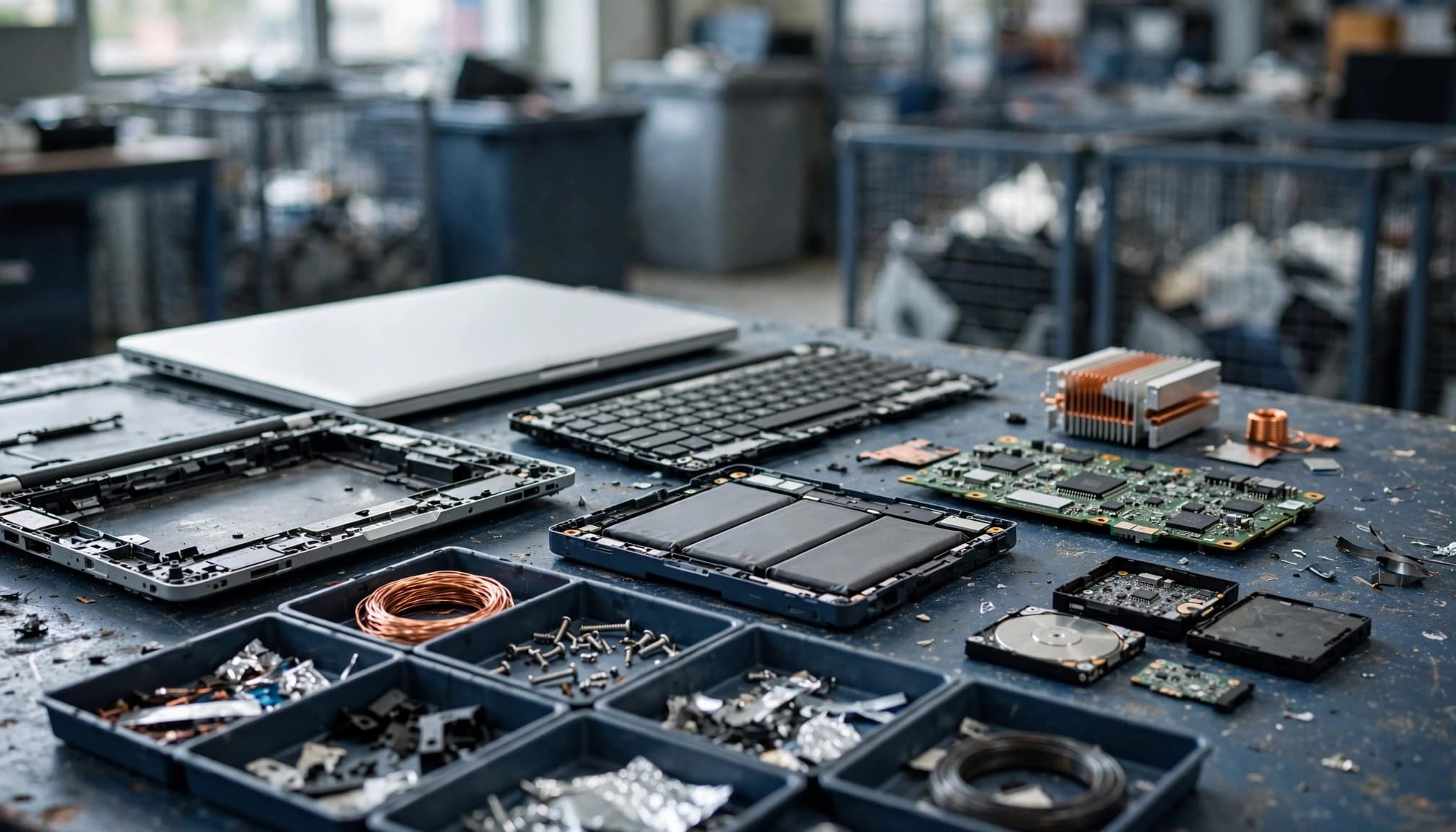
The decommissioning process starts before equipment leaves the organisation. Preserve required records, confirm migration, recover the asset and identify its data-bearing components before selecting a sanitisation method.
NIST SP 800-88 Revision 2, published in September 2025, provides current media sanitisation guidance. Choose a method based on the storage technology, information sensitivity and intended destination. File deletion or a factory reset alone doesn’t show that sanitisation is suitable.
Sage reported NIST-aligned disposal practices at 52%, up from 34%, while roughly a quarter still used DoD 5220.22-M. A named wiping standard doesn’t prove that a method suits a particular solid-state drive.
Retain evidence through the final destination
Device42 lists sale, donation, return to vendor, recycling and destruction as disposal routes. Reuse can preserve equipment value if the device remains suitable and its data has been handled appropriately.
For UK organisations, WEEE requirements set obligations for electrical and electronic waste disposal. Waste handling and data sanitisation are separate responsibilities. A recycling receipt doesn’t prove that stored information was securely removed.
Record serial numbers, custody transfers, sanitisation results and the final destination. Obtain destruction or disposal certificates from the relevant vendor and reconcile them against the equipment collected.
Remove retired devices from management tools, revoke device-specific access and update support contracts after migration and sanitisation are complete. Keep the historical asset record rather than deleting the audit trail.
Frequently Asked Questions
What does IT asset lifecycle management cover?
It tracks technology from planning and procurement through deployment, use, maintenance and retirement. Records connect each asset to its owner, cost, support status and business use.
How often should a business replace its laptops?
A 3 to 5-year refresh window is a useful planning assumption, not a fixed lifespan. Review each laptop’s condition, workload, security support and operating cost before deciding.
When should equipment be replaced?
Replace, upgrade or remove equipment when it no longer meets security, reliability or workload requirements at an acceptable cost. Unsupported software or firmware, frequent faults and persistent performance problems can justify replacement.
What records should businesses keep when disposing of equipment?
Keep serial numbers, custody transfers, sanitisation results and the final destination, and obtain disposal or destruction certificates where relevant. After migration and sanitisation, remove retired devices from management tools, revoke device-specific access and retain the historical asset record.
Make replacement a documented business decision
A replacement policy should set review windows, security requirements and approval responsibilities. Each decision should reflect an asset’s condition, support status, workload and remaining operating cost.
Connect procurement, maintenance, finance and disposal records to each replacement decision. This makes it easier to explain why equipment was retained, repaired, reassigned or replaced without reconstructing events after a failure.
Our IT consulting services can help you create an asset lifecycle plan and replacement roadmap around business requirements. Start with an asset inventory and a prioritised review of unsupported, unreliable and unassigned equipment.