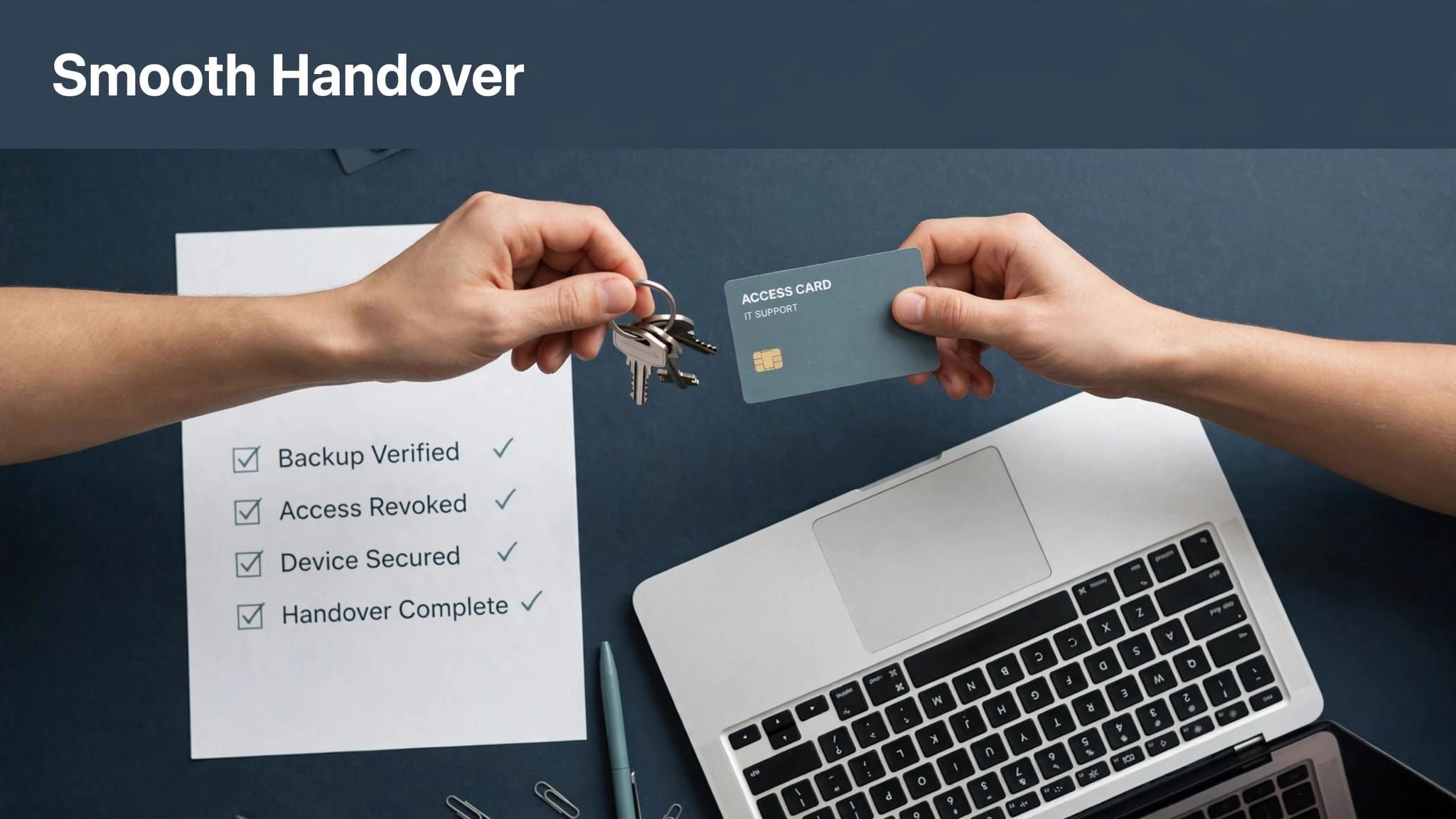

When someone joins your team in London, getting them set up with the right device, the right applications, and the right access is already a process that requires coordination. When that person is joining your New York office, or starting in Amsterdam, Warsaw, or Singapore, the complexity multiplies quickly.
Global device provisioning — the process of configuring, deploying, and managing devices for employees across multiple countries — is one of the operational challenges that grows fastest as businesses expand internationally. Done well, it means a new hire can be productive within hours of their start date regardless of where they’re based. Done badly, it means days of delays, inconsistent setups, security gaps, and significant IT overhead.
This article looks at what modern global device provisioning actually involves, where the common problems arise, and how to build a process that works consistently at scale.
Why This Gets Complicated Quickly
For a single-office business, device provisioning is relatively straightforward. You order hardware, configure it to your standard build, hand it over, and provide basic onboarding support. The process can be manual and still be manageable.
International teams introduce a different set of challenges:
- Hardware may need to be sourced and shipped to multiple countries, each with different lead times, import considerations, and supplier relationships
- Configuration needs to happen remotely, without physically touching the device before it reaches the user
- Software licensing, applications, and access rights may vary by region
- Data residency and compliance requirements differ across jurisdictions
- Time zones make coordinated IT support during onboarding harder to deliver
- Inconsistency creeps in when each office manages its own provisioning process without central oversight
The result, in many businesses, is that international onboarding is treated as a series of one-off projects rather than a repeatable, standardised process. Each new hire in a new location becomes its own problem to solve from scratch. Our article on managing multinational IT support covers the broader operational challenges this creates and is worth reading if you’re currently managing IT across multiple countries in a largely ad hoc way.
Modern Device Provisioning: What’s Actually Possible Now
The good news is that the technology available for remote device provisioning has advanced significantly, and for businesses running Microsoft 365 environments, the tools to manage this are already within reach.
Zero-touch provisioning with Windows Autopilot
Windows Autopilot allows you to configure a device entirely remotely before the user ever touches it. A device is ordered directly from a manufacturer or reseller, and when the user powers it on for the first time, it automatically connects to your configuration profile and sets itself up according to your standard build — applications, security settings, access policies, and all.
The user doesn’t need IT support in the room. They don’t need a pre-configured image shipped from head office. They simply follow a straightforward setup process and arrive at a fully configured work device within an hour. For international teams, this removes one of the biggest friction points in onboarding entirely.
Mobile device management at scale
Modern MDM (Mobile Device Management) platforms — Microsoft Intune being the most widely used in Microsoft 365 environments — give you centralised control over every device in your estate, regardless of where it’s physically located. You can push software, enforce security policies, manage updates, and remotely wipe or lock devices, all from a single console.
We’ve covered the practical value of this in our post on why businesses should consider using Microsoft Intune — if you’re not yet using it, or if it’s deployed inconsistently across your locations, it’s worth understanding what you’re missing.
The combination of Autopilot and Intune means that for a new hire in any location where you can source hardware, the provisioning process can be fully automated, standardised, and completed without local IT presence.
Application delivery and access management
Beyond the operating system and core security configuration, provisioning also means ensuring the right applications and access rights are in place from day one. Cloud-delivered applications have simplified this significantly — rather than installing software locally from a disc or server share, applications are provisioned through your MDM platform or directly from the cloud.
Access rights — to shared drives, communication platforms, line-of-business applications, and collaboration tools — should be assigned as part of a standardised onboarding workflow, not handled ad hoc by individual managers. This is where your identity management configuration matters. When access is tied to defined roles rather than manually granted on a case-by-case basis, onboarding becomes faster, more consistent, and more auditable.
Security Has to Be Part of the Provisioning Process — Not Added Later
One of the most common mistakes businesses make with global device provisioning is treating security as something to layer on after the device is set up and the user is already working. By that point, you’ve already had an unprotected device operating on your network.
Security configuration should be part of the provisioning profile itself — meaning every device arrives with endpoint protection active, encryption enabled, and security policies enforced before the user logs in for the first time.
This is particularly important for remote and international teams, where devices are less likely to be on a managed network and more likely to be connecting from home broadband, shared offices, or public Wi-Fi. Our article on endpoint security for remote teams covers the specific risks that distributed workforces introduce and how to address them at the configuration level.
For businesses with staff across Europe, it’s also worth ensuring that device security standards are consistent across all your locations. If your London office has tightly managed endpoint security and your European offices are provisioned more loosely, you have uneven protection across your estate — and attackers will find the weakest point. Working with a provider offering european it services that includes device provisioning and management as part of their remit helps you maintain that consistency without requiring local IT resource in every location.
Compliance and Data Residency Considerations
Provisioning devices for international teams isn’t just a technical challenge — it has regulatory dimensions too.
In the EU, GDPR governs how personal data is processed and where it can be stored. If your provisioning process involves syncing data through systems hosted outside the EU, or if your MDM configuration doesn’t account for regional data residency requirements, you may inadvertently create compliance issues as you scale.
Different countries also have their own specific data protection legislation, import and export controls for certain types of technology, and in some cases, requirements around encryption standards or government access to data. These aren’t reasons to avoid expanding internationally, but they are reasons to make sure your provisioning process is reviewed by a provider that understands these requirements — not built on assumptions from your home market.
For businesses with a UK and international footprint, a provider with genuine global it support company experience will have already navigated these issues for clients in similar situations, and can apply that knowledge to your provisioning process rather than treating each new location as unknown territory.
Getting Hardware to International Locations
Technology and automation can standardise the configuration side of provisioning, but the physical hardware still needs to get to your employees — and this is where logistics become a real operational consideration.
Shipping laptops internationally introduces lead times, potential customs delays, import duties, and the risk of damage in transit. Many businesses find it more practical to source hardware locally in each country through an approved vendor relationship, rather than shipping from a central location. This requires supplier relationships in multiple markets, which adds overhead unless your IT provider already manages these on your behalf.
For businesses going through rapid growth — particularly those expanding into new markets through mergers, acquisitions, or new office openings — this logistical element can become a significant bottleneck. Our post on global IT support for mergers and acquisitions is relevant here, as acquisitions often involve the need to provision or reprovision large numbers of devices across new locations within a compressed timeframe.
If you’re also in the process of consolidating platforms or moving between systems, your platform migration services provider should be coordinating device provisioning as part of the migration — not treating it as a separate workstream that gets handled after the technical work is done.
What Consistent Provisioning Looks Like in Practice
When global device provisioning is working well, the experience should look broadly the same for a new hire in London as it does for one joining your team in any of your other locations:
- Hardware arrives before or on their start date, ordered from an approved local source
- The device configures itself on first boot with your standard build, applications, and security settings
- Access to the systems and tools the employee needs is provisioned as part of a defined onboarding workflow, not assembled ad hoc
- IT support is available during the employee’s working hours — not just during your head office’s business hours
- The device is enrolled in your MDM platform and visible in your central management console from day one
For businesses with hybrid teams, our article on global IT support for hybrid work goes deeper on what good looks like when your workforce is distributed across locations and working patterns, and the provisioning considerations that come with that.
Getting to this standard consistently across all your locations requires both the right tooling and a provider with the operational experience to implement and maintain it. A provider positioned as multinational it support solutions should be able to demonstrate — with reference clients and documented processes — how they manage provisioning at scale, not just describe it in general terms.
Equally, your microsoft 365 support services london provider should be actively involved in how provisioning integrates with your M365 environment — ensuring that Autopilot profiles, Intune policies, and Azure AD configurations are maintained and updated as your business evolves.
Don’t Overlook Deprovisioning
It’s easy to focus on the onboarding side of device management and give less thought to what happens when someone leaves the business. But deprovisioning — revoking access, recovering hardware, and ensuring that company data is removed from devices — is equally important and equally prone to being handled inconsistently across international teams.
A device that isn’t properly deprovisioned when an employee leaves is a security risk. An account that remains active is an attack surface. This is particularly worth considering in the context of dark web monitoring company services — former employee credentials appearing in breach data are a common finding, and if those accounts weren’t fully offboarded, the risk is considerably higher.
Build deprovisioning into the same standardised workflow as onboarding, and make sure it applies consistently across every location — not just at head office.
Frequently Asked Questions
What is zero-touch provisioning and is it suitable for SMBs? Zero-touch provisioning means a device is configured automatically when first powered on, without requiring hands-on IT setup. Tools like Windows Autopilot make this possible for any business using Microsoft 365, not just large enterprises. For SMBs with staff in multiple locations, it removes one of the biggest logistical headaches in international onboarding.
How long does it typically take to provision a device for a new international hire? With a properly configured Autopilot and Intune setup, the device configuration itself can be completed in under an hour from first boot. The lead time for hardware sourcing and delivery varies by country, but with the right local supplier relationships, total provisioning time from order to ready-to-use device can be reduced to a matter of days rather than weeks.
What happens if a device is lost or stolen in an international location? With MDM enrolled devices, you can remotely lock or wipe a device regardless of its location. This should be part of your standard security configuration from day one — not something that requires a manual process to arrange after the fact.
Do I need separate IT support staff in each country to manage provisioning? Not necessarily. With zero-touch provisioning and centralised MDM, much of the setup can be done remotely. You do need local hardware sourcing capability in each region, and local IT support for issues that require physical presence. A provider with genuine international reach can often cover this without you needing to hire locally.
How does provisioning interact with data compliance requirements in different countries? Your MDM configuration and provisioning profiles should be reviewed for compliance with local data protection requirements in each jurisdiction you operate in. This is particularly relevant in the EU, where GDPR governs data processing on work devices. Your IT provider should be advising on this as part of your international expansion planning, not leaving it to you to research independently.
What’s the biggest mistake businesses make with global device provisioning? Treating it as a series of one-off tasks rather than a standardised, documented process. When provisioning is improvised for each new hire or each new location, quality becomes inconsistent, security gaps appear, and the IT overhead grows disproportionately. Investing in a repeatable, automated process pays back quickly as headcount and locations increase.
Ready to Make International Onboarding Faster and More Consistent?
If your current device provisioning process relies on manual configuration, ad hoc logistics, or an approach that works for your London office but breaks down for everyone else, it’s worth addressing before your next hire joins in a new location.
Northern Star helps businesses across the UK and internationally build scalable, secure, and consistent device provisioning processes as part of a fully managed IT service.
Get in touch with our team today and let’s talk about how to make onboarding smoother — wherever in the world your next team member is based.
Focus on Active Threat Defense and Infrastructure Management
Securing a modern enterprise demands continuous vigilance across every device, server, and cloud network. The engineering experts at Northern Star design tailored environments using London Microsoft Azure services and integrated London Microsoft 365 solutions. We also implement Microsoft Copilot consulting for AI efficiency, while reinforcing safety protocols with customized cybersecurity training and robust email security in London.
Beyond user safety, we secure your perimeter by resolving weaknesses using vulnerability management in London. Our 24/7 managed security operations center works alongside proactive managed detection and response in London to intercept threats. Should an outage occur, our cyber incident response services and structured business continuity planning guarantee rapid recovery. Get in touch with us today.